Turn your agent into a video editor.
Every edit is written to a real codebase that coding agents can read, write, and render.
Download for macOSDownload for WindowsDownloadDownload
Folks onboarded from
- ElevenLabs
- Warner Bros. Discovery
- Ramp
- X
- Microsoft
- Canva
- fal
- Lovable
- Shopify
Professional video editor
built for agents.
Analyze, design, edit, generate, and transcribe.
Your agent can do all of it, and so can you.
Open source,
and open to any way you work.
Work in your browser, on your desktop, or straight from the terminal. Or don't do any of it yourself.
Just ask your agent.
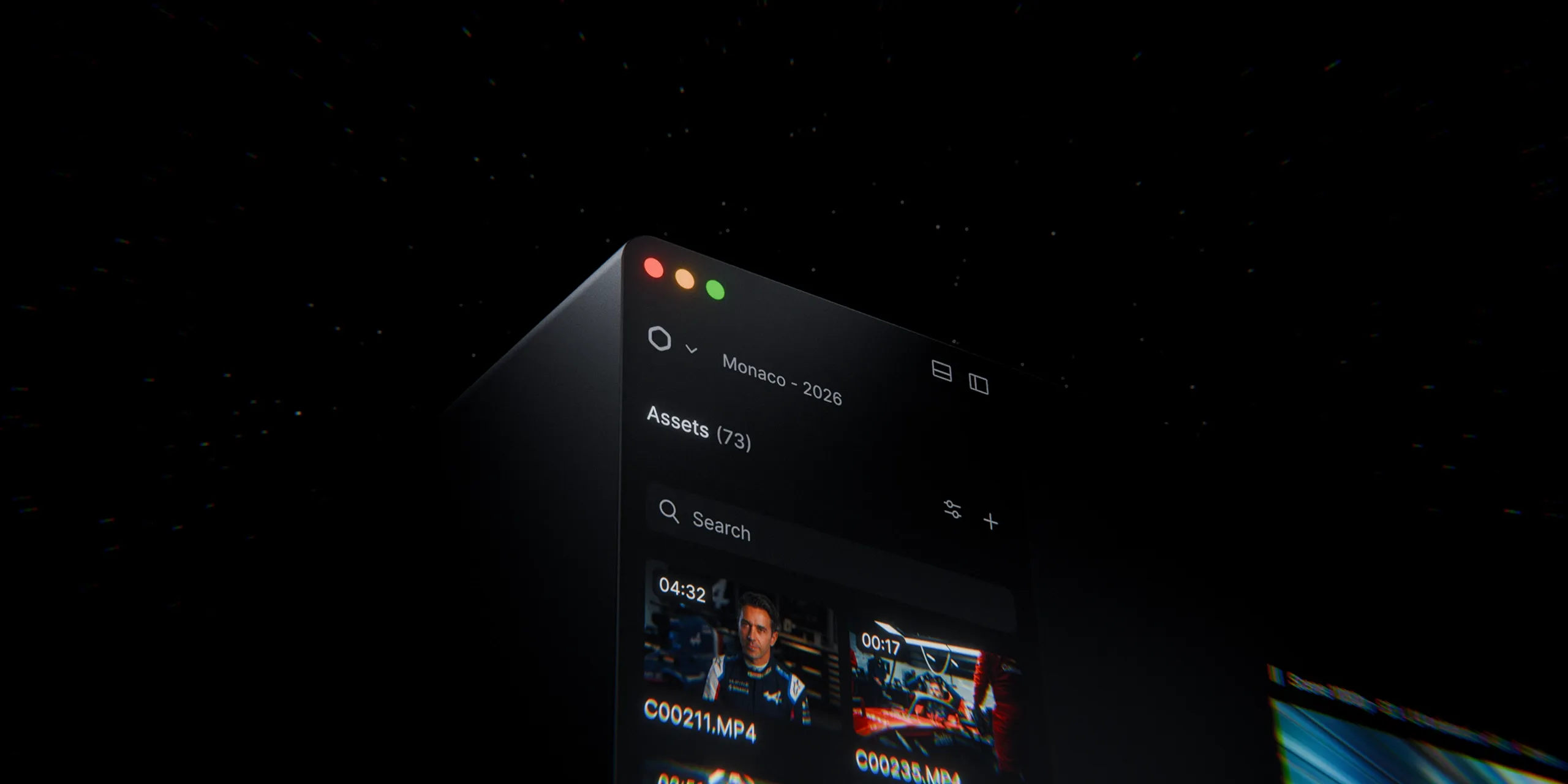
Explore on a canvas. Sequence on a timeline.
Start with an infinite canvas, then edit on the timeline. Everything stays connected, so you can organize and iterate without losing visual context.
Get Started
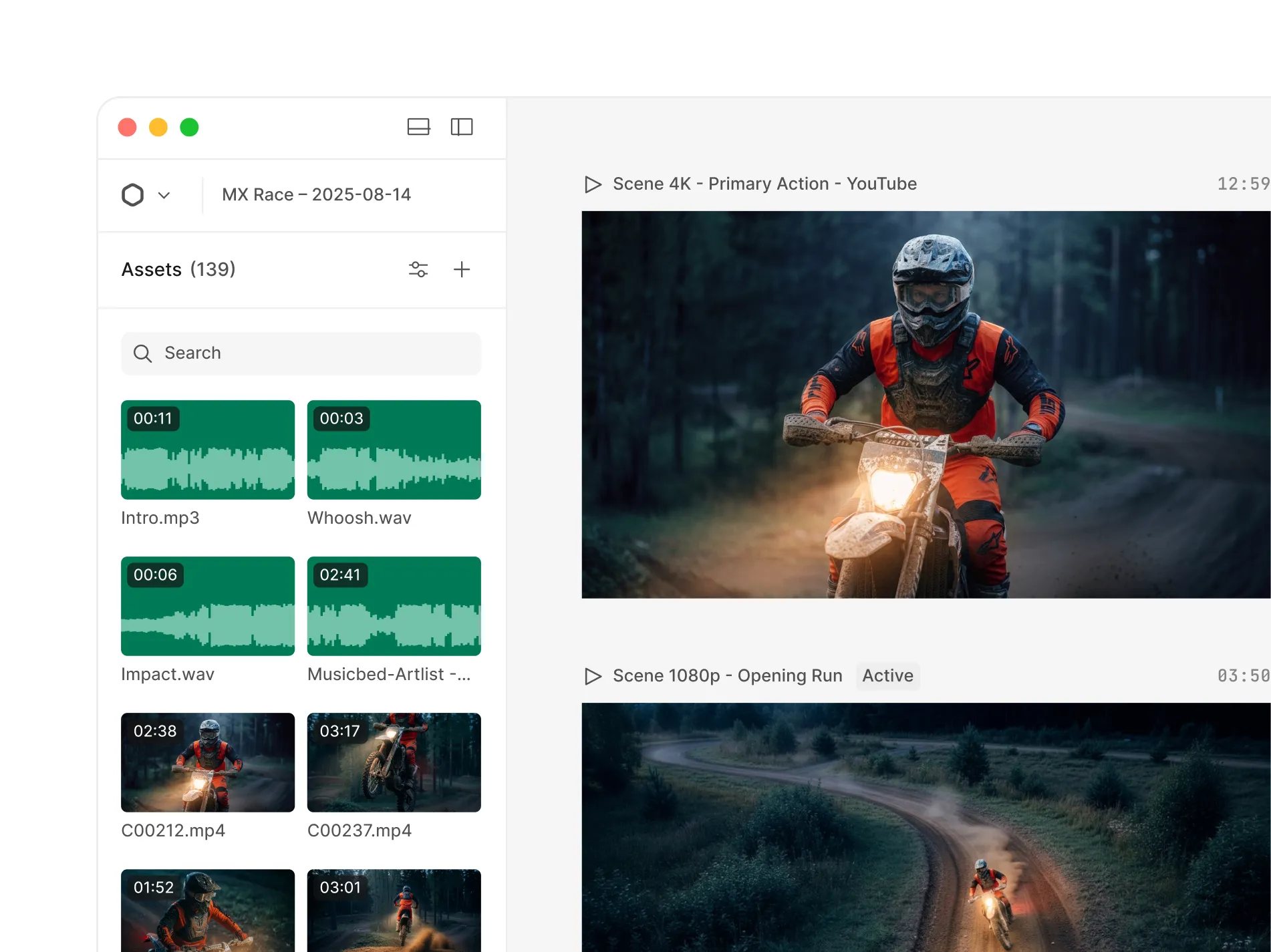
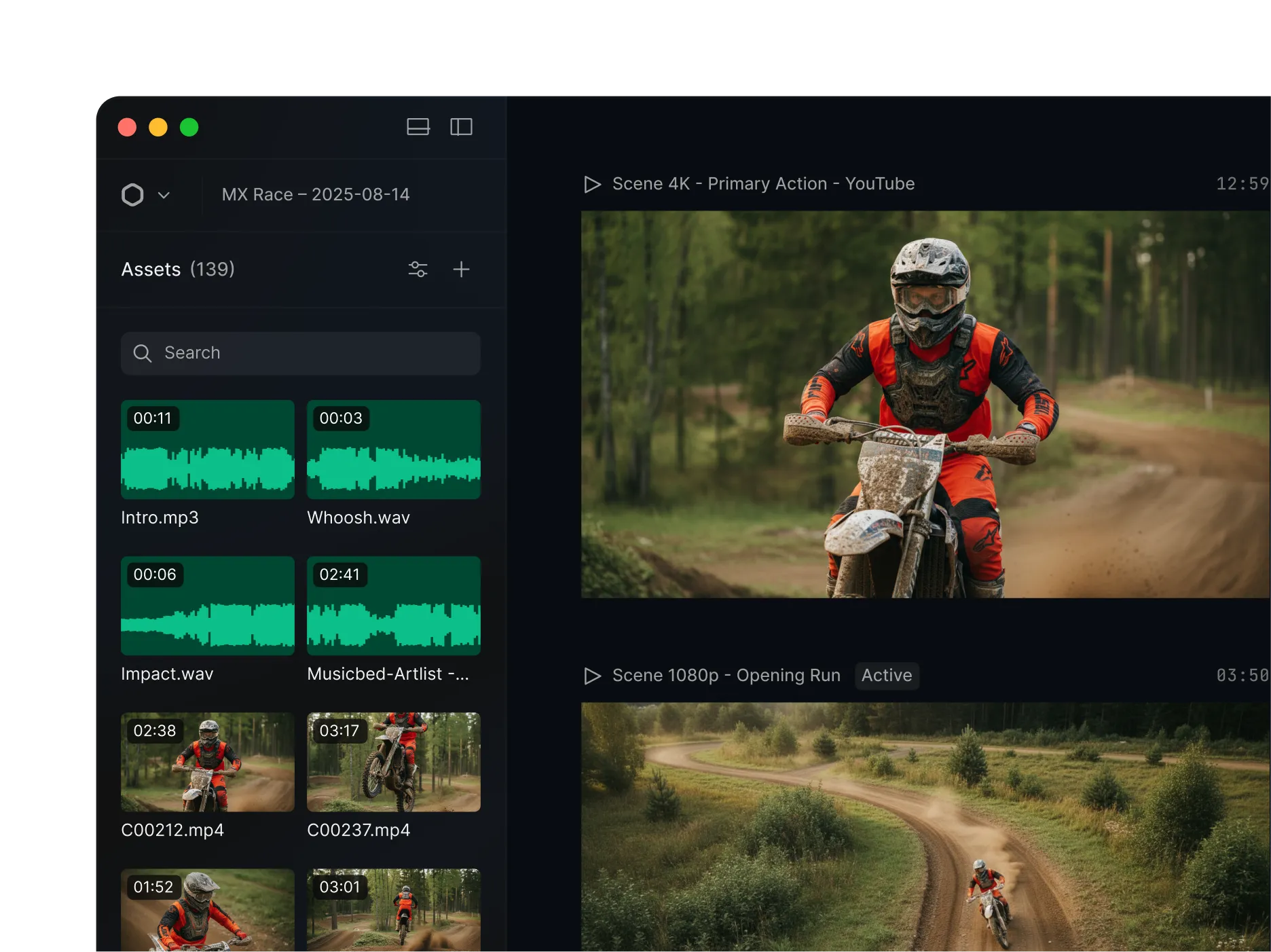
From raw assets to export, without switching tools.
From import to export, everything lives in one workspace, build scenes, edit on the timeline, and stay focused on the work.
View pricing

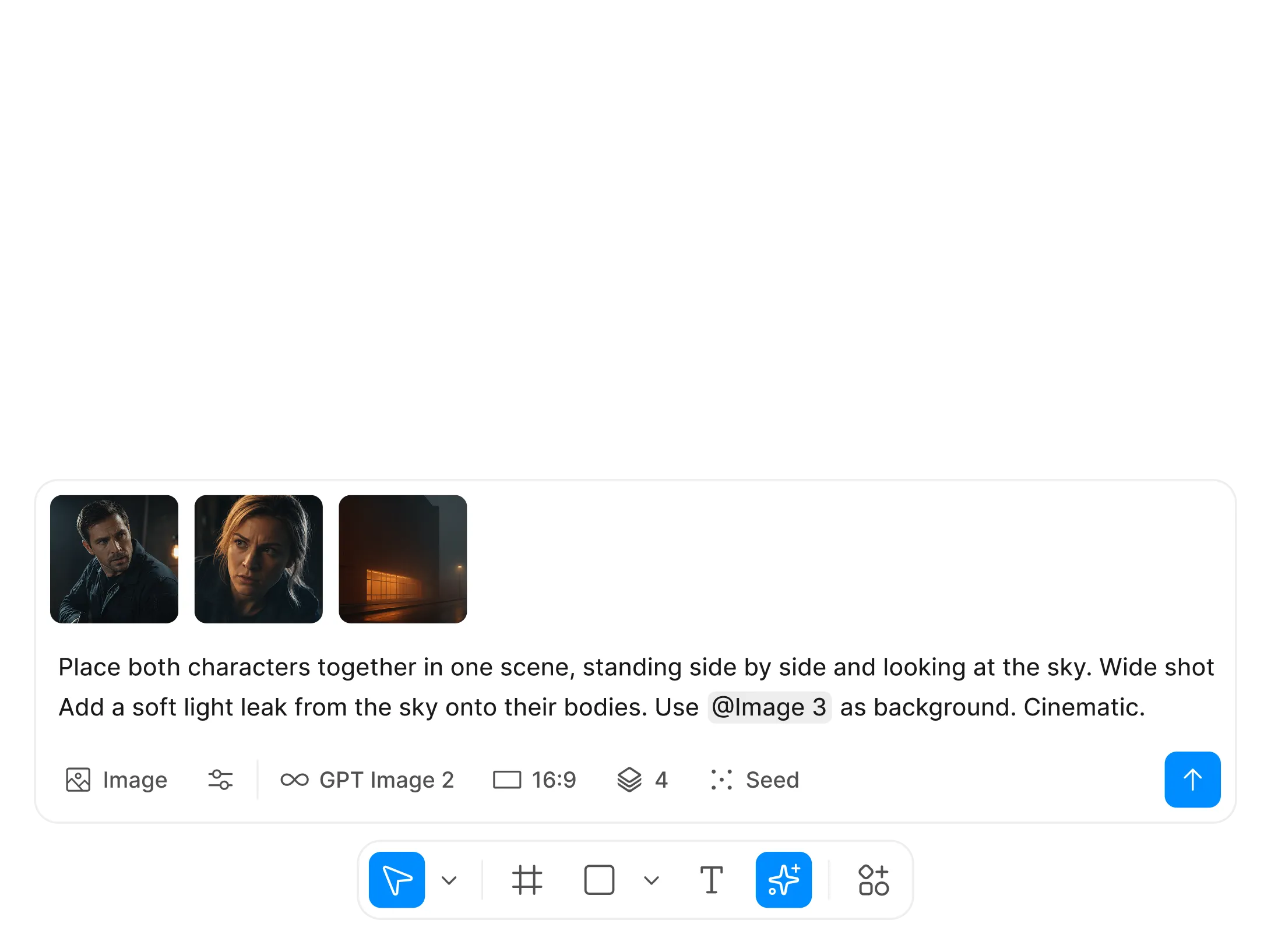
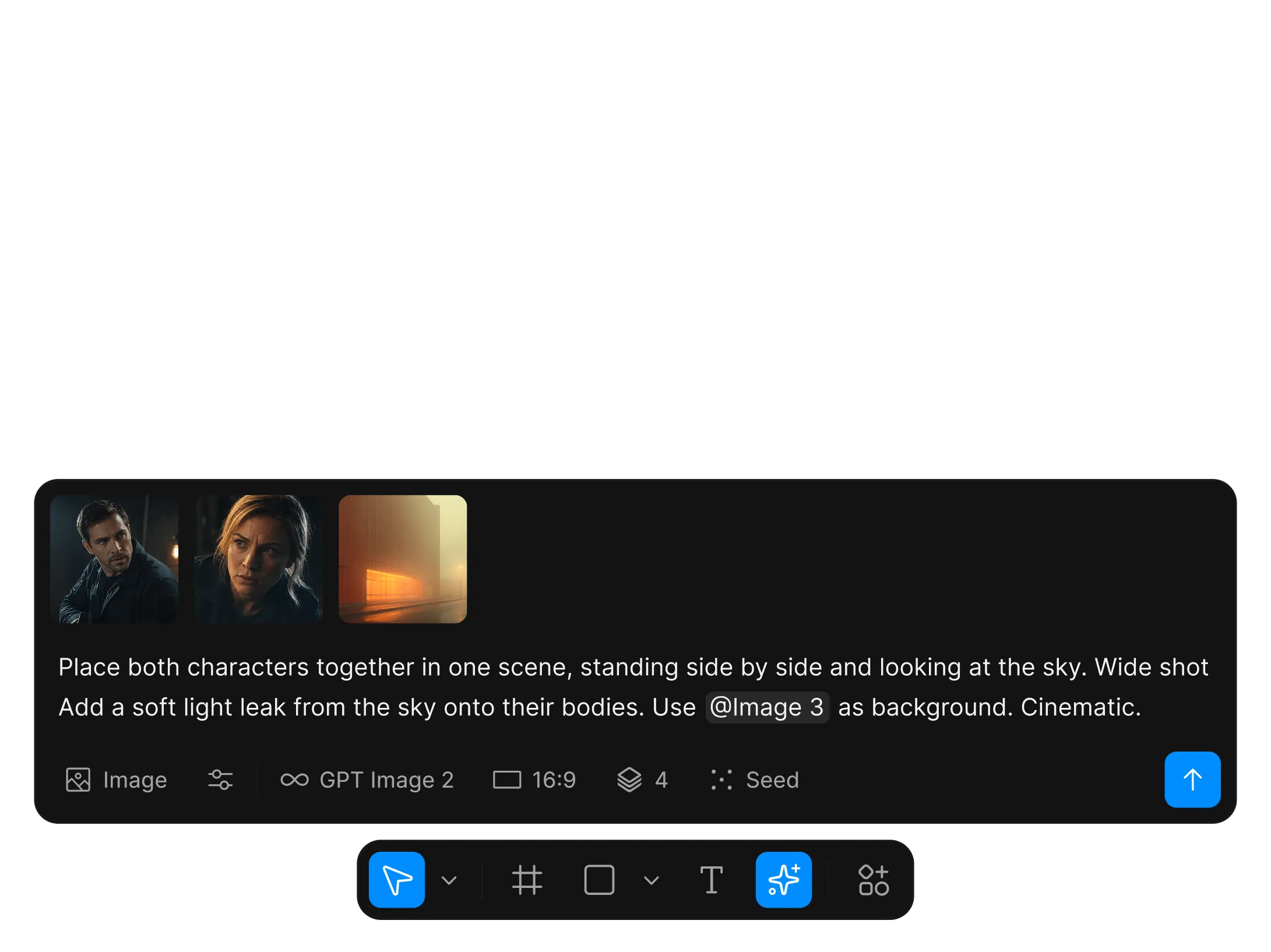
Edit video the way you design.
Editing was overdue for a rethink. We rebuilt it around the way modern design tools work. Familiar, intuitive, and capable.
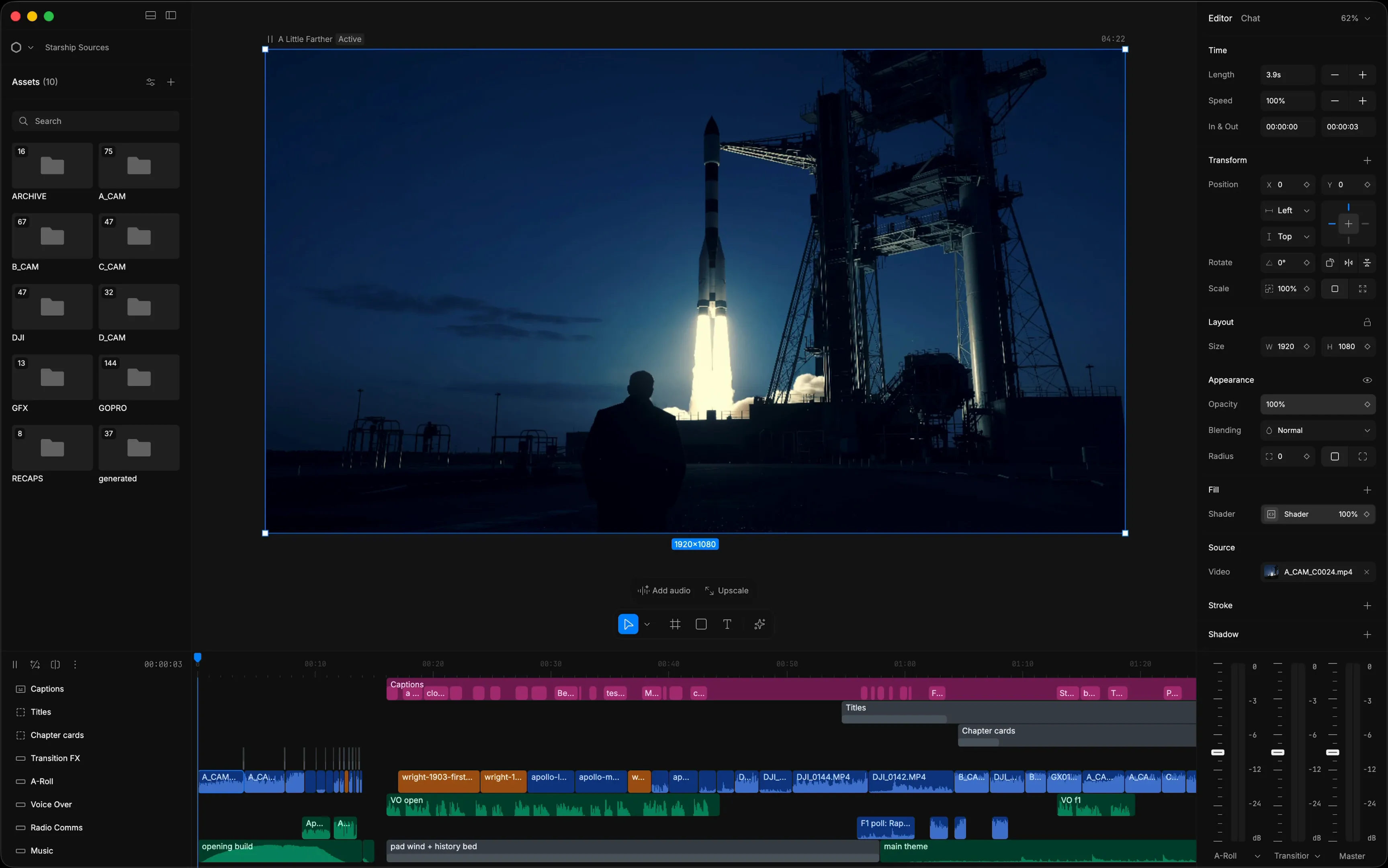
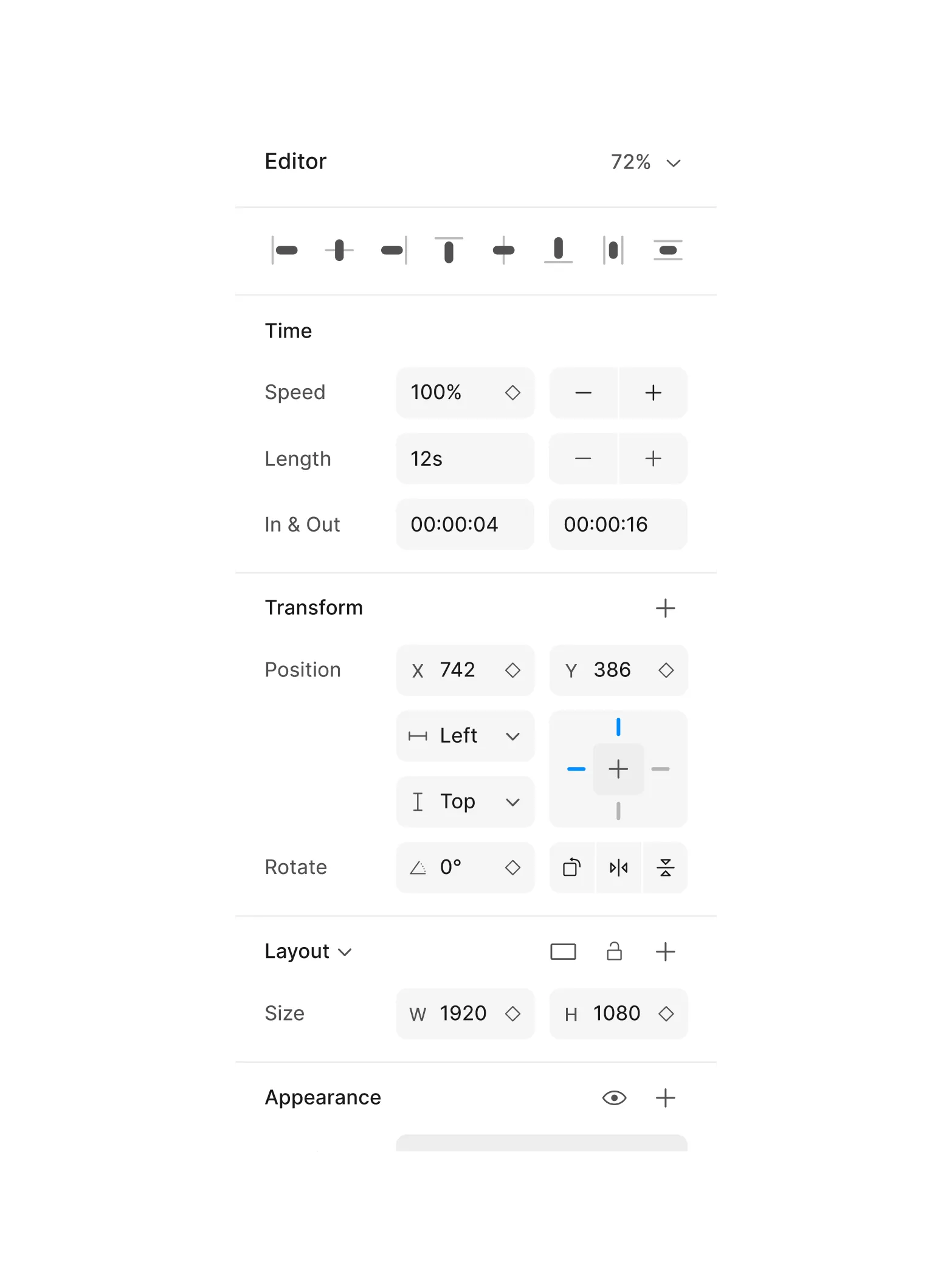
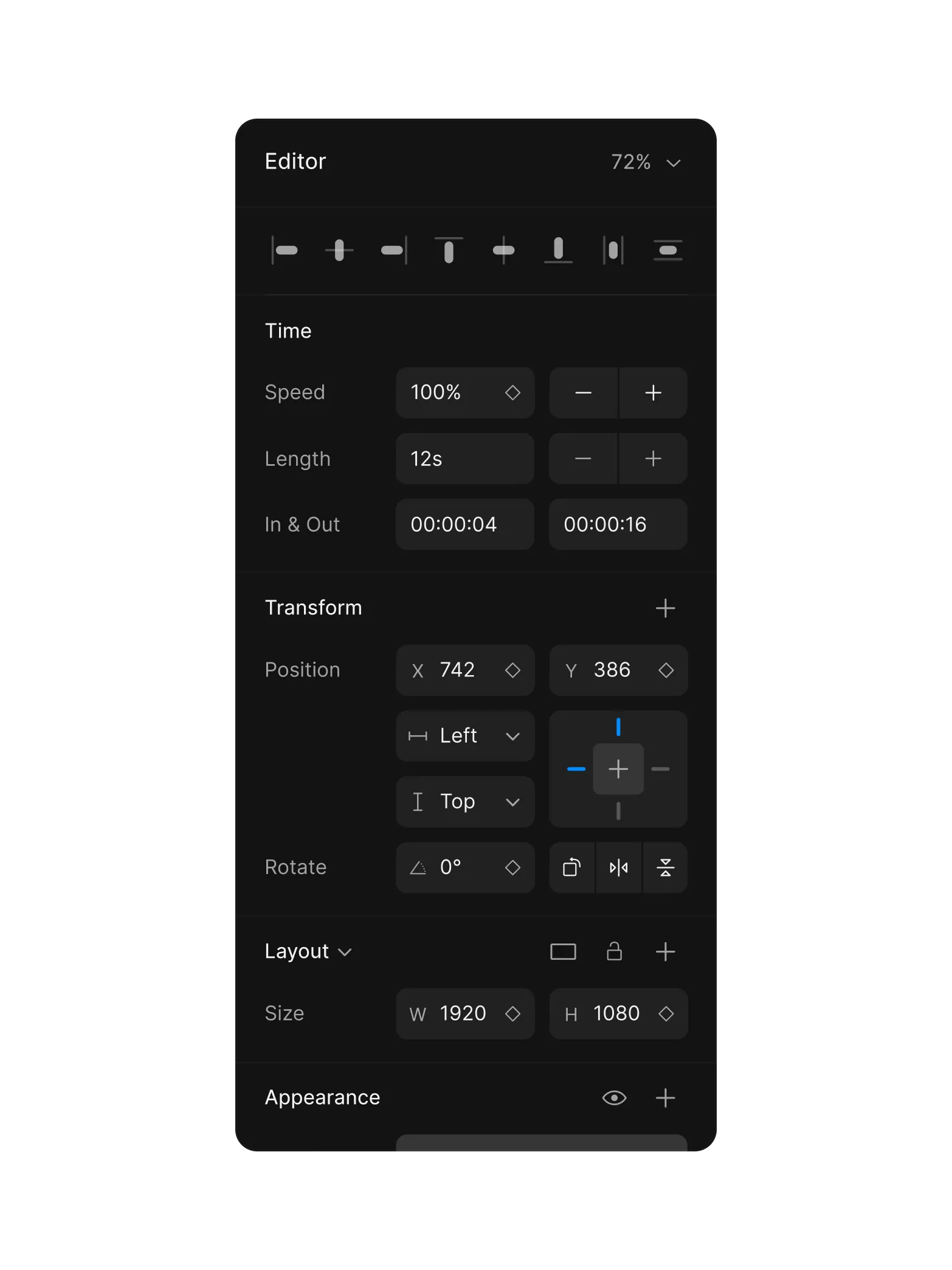
Precise property control
Adjust timing, position, scale, and layout from a single inspector.
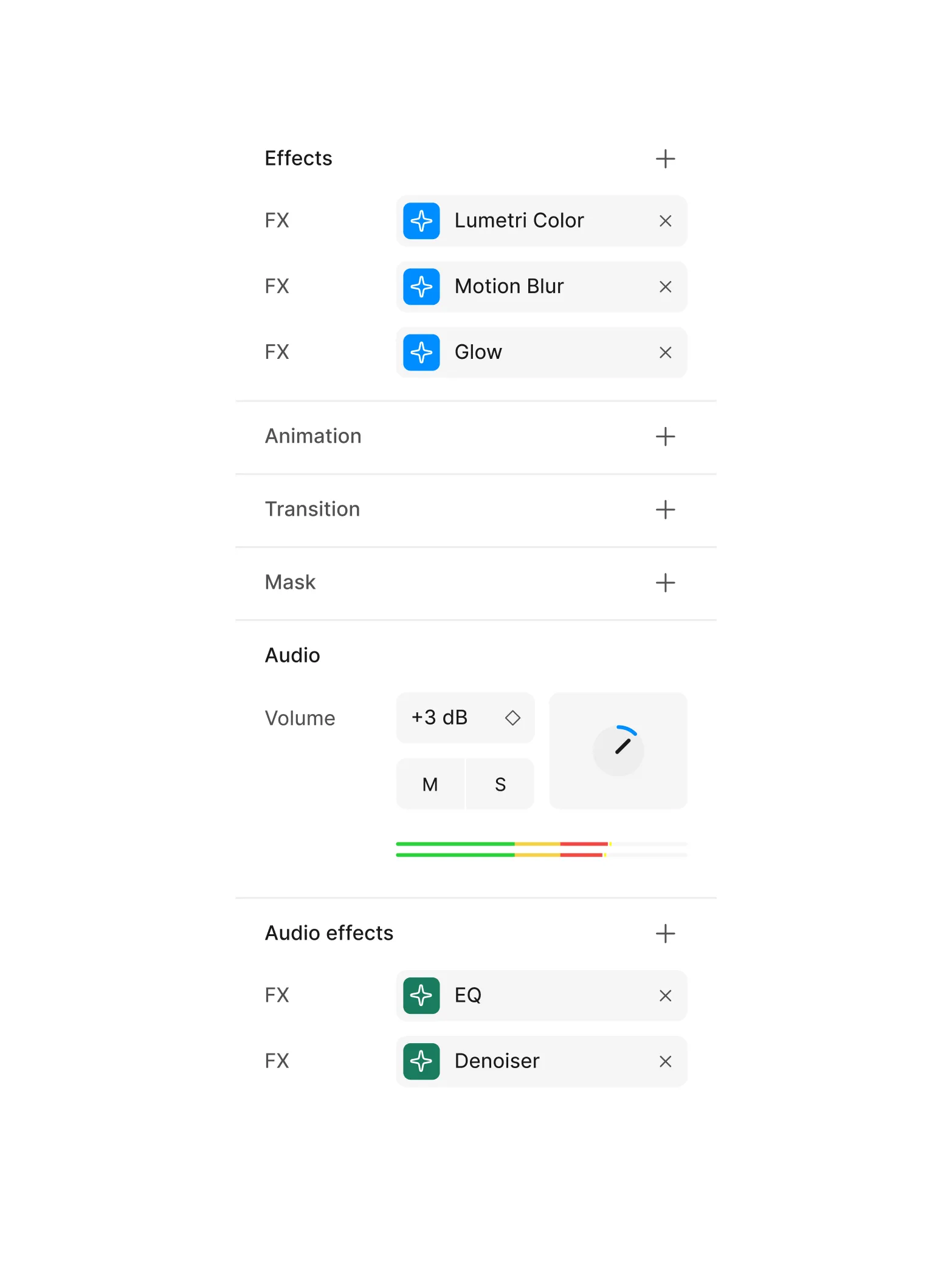
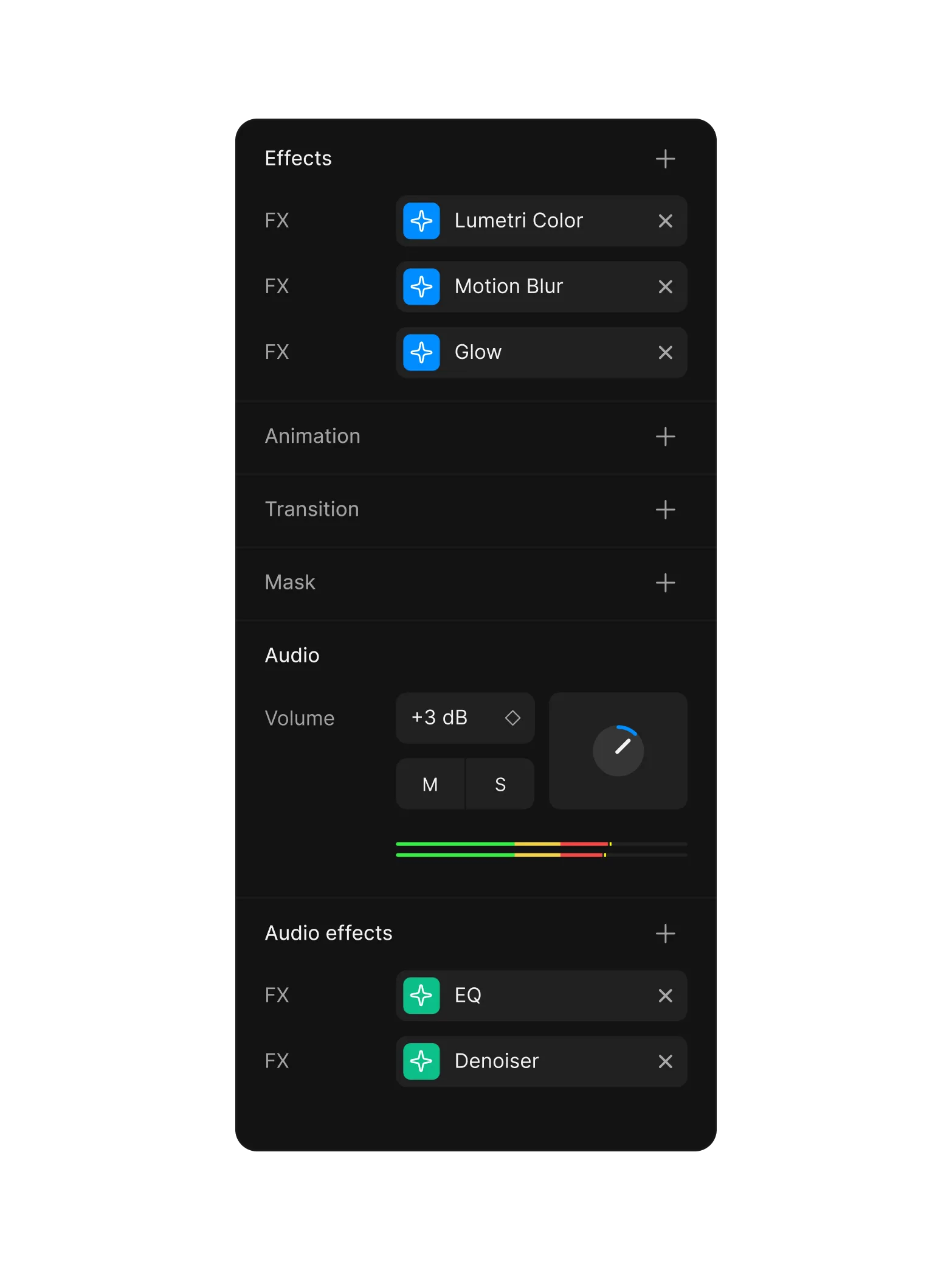
Effects and audio built in
Stack visual effects, mix audio, and apply filters without leaving the editor.
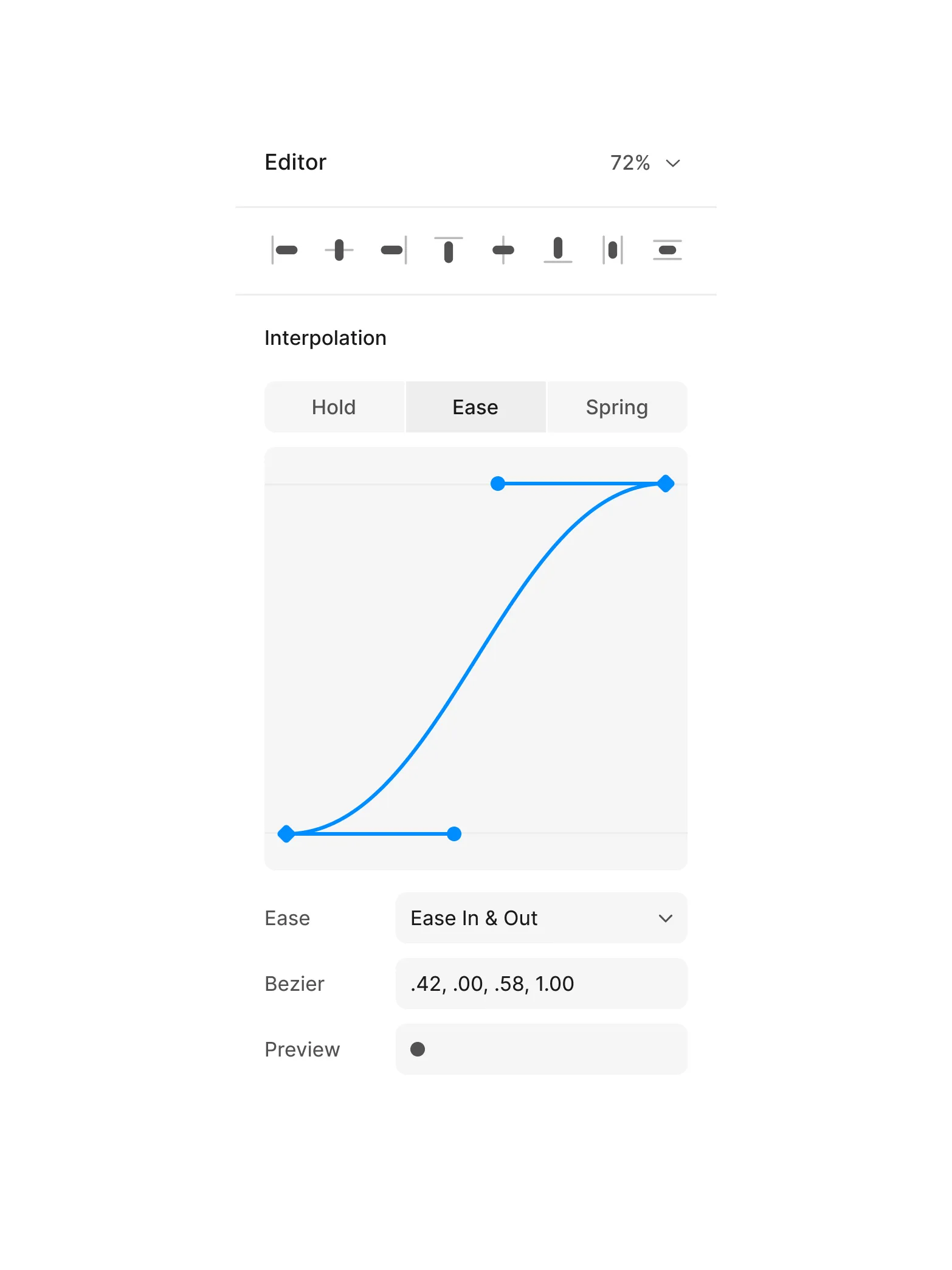
Craft the feel
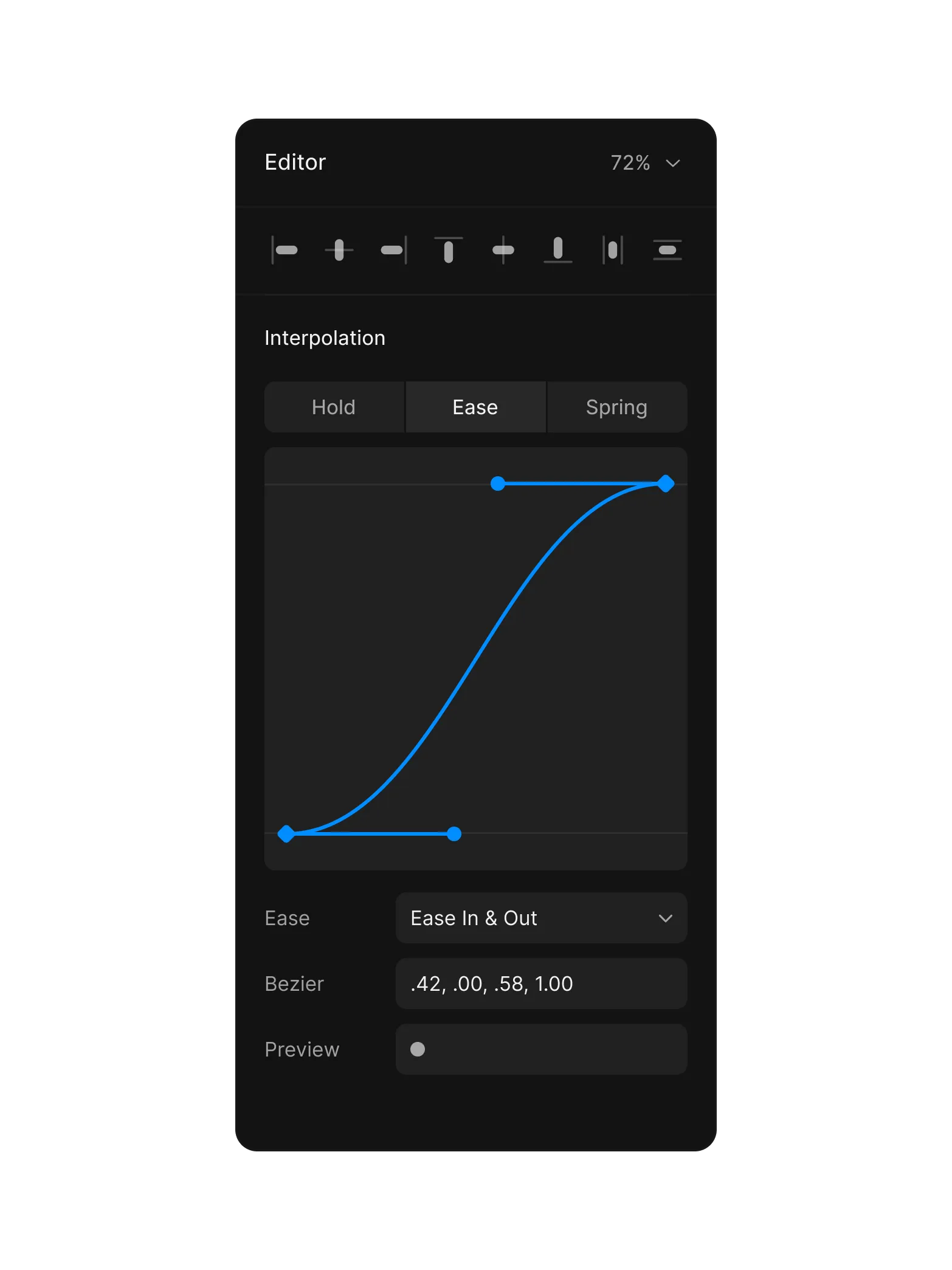
Bezier curves, spring easing, and motion presets. Every move, intentional.
Built for creative speed.
Your ideas shouldn't wait. From first frame to final export, nothing gets in the way.
All in one
Tool for everything
Design, edit, animate, export
<120ms
Canvas response
Pan, zoom, and scrub
4K
Playback and export
No proxies, no waiting
100K+
Creators and counting
Across the globe
Diffusion Studio for your desktop
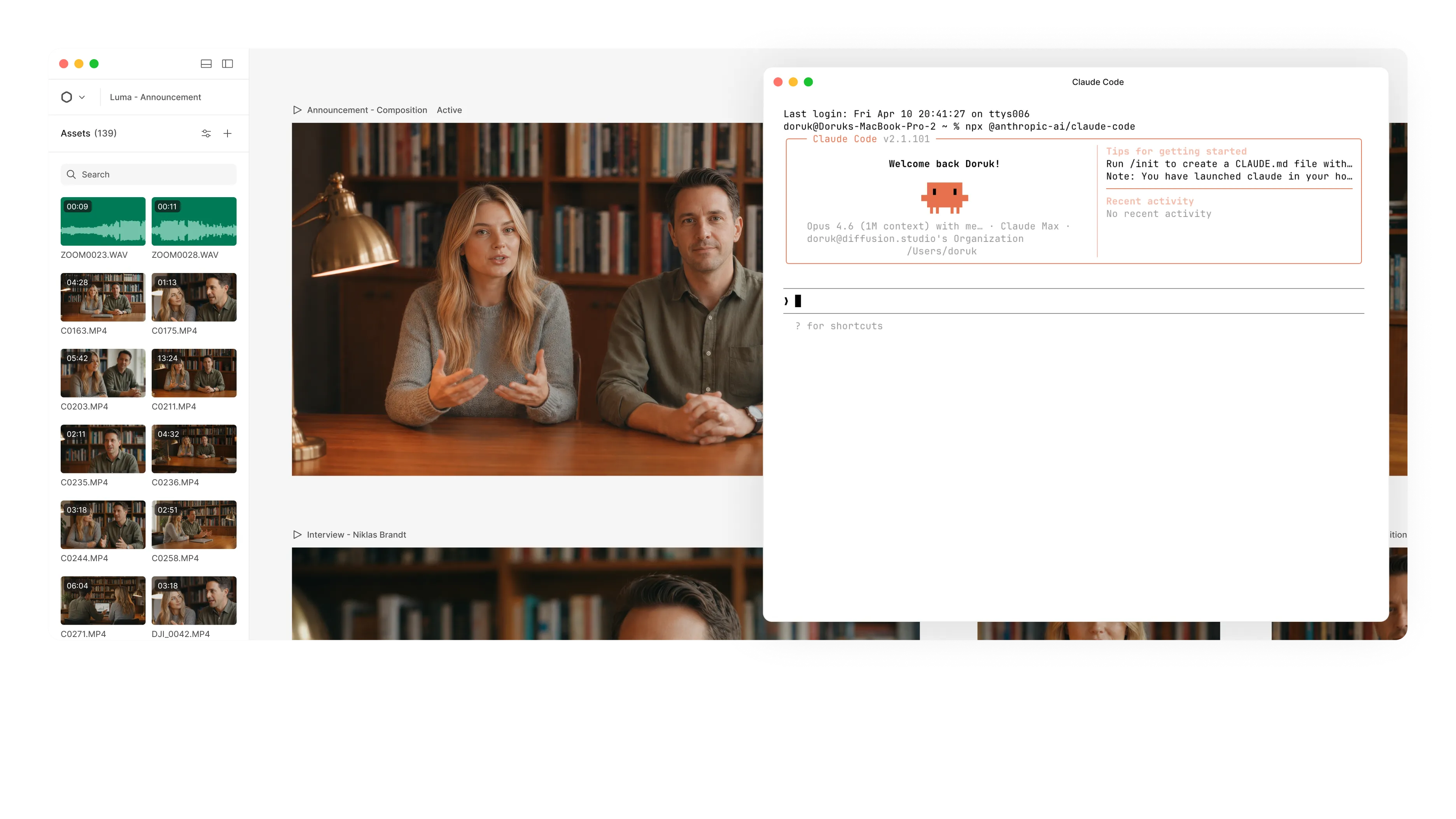
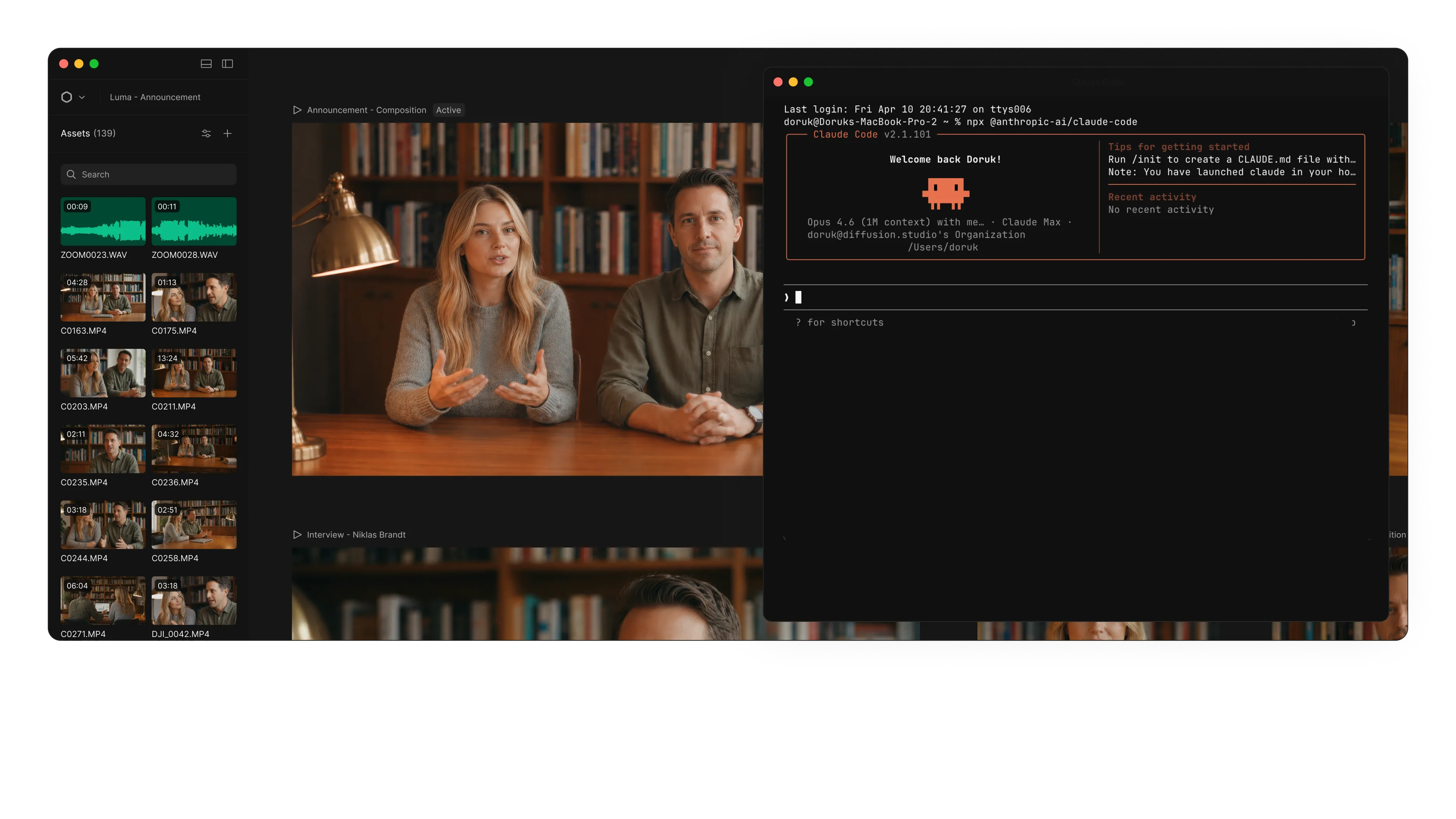
The full editor on your desktop. Point your coding agent at your footage and it can watch, cut, and build right inside it.
Frequently asked questions
Diffusion Studio is a professional AI video editor built for agents and humans. Edit videos yourself, ask your agent to do it for you, or work together on the same project.
Everything lives on an infinite canvas with a design tool interface, while HTML, WebGL, 3D, and shaders let scenes go beyond traditional video editing.
Your agent can analyze footage, make edits, create and animate scenes and compositions, build motion graphics, generate video, images, audio and SFX, transcribe, localize, add captions, and export. Ask for a change, give it a complete production brief, or keep iterating together from start to finish.
Yes. Everything your agent creates stays fully editable. You can change anything it does, and your agent can continue from anything you change.
Diffusion Studio works with Claude Code, Codex, Cursor, VS Code with Copilot, Antigravity, Gemini CLI, and Devin (Windsurf). You can also connect other agents that support MCP.
To get started, install the macOS or Windows app and connect your agent in Settings, under MCP & CLI. Then ask your agent to create or edit a video.
If you already use Claude Code or Codex, you can also work with it in the editor’s Chat tab using your existing subscription. Get started.
The infinite canvas can hold hundreds of scenes, formats, languages, versions, and videos in one project. For teams, that means managing entire video productions and campaigns in one place, while agents produce and update variations without repeating the same work. Because compositions are TSX, teams can also keep reusable components and compositions in GitHub as a shared source of truth for consistent, on-brand video production.
You can use Diffusion Studio in your browser. To edit with coding agents, install the desktop app for macOS or Windows.
Yes. The desktop app is available for macOS and Windows.
Requirements:
- macOS 12+ with an M1 chip or later
- Windows x64
The web version works on Windows, macOS, and Linux across desktop browsers. Chrome is recommended for the best experience.
Editing with AI agents is currently available only in the desktop app.
Yes. Diffusion Studio is completely free and open source, including editing, exports, and coding agent workflows. Credits are only used when Diffusion Studio runs AI models for things like understanding footage, transcription, or generating video, images, audio, and speech. Paid plans give you credits for those AI-powered actions, not access to the editor, dapi, skills, or agentic editing workflows. See pricing.
Yes. Diffusion Studio is open source under MPL 2.0, including the web editor, desktop app, dapi CLI, and skills. Explore the source, contribute, or give us a star on GitHub if you like what we’re building.

$ brew install --cask diffusionstudio/tap/editor $ git clone https://github.com/diffusionstudio/editor.git $ npx skills add diffusionstudio/skills -g -y --all